HIDDEN · skipped when presenting
WEEK 2 · LESSON 3 · THURSDAY 10 SEPTEMBER
Good Game and Saying No to Cyberbullying

Grade 7 · 071DITA · Mr Igor · Room IG04

  • Walk in, find your seat, sit down.
  • Bags away, name on your sheet.
  • Start the Do Now. Nobody waits for me.

// class_list (A to Z by first name)

  • Abdallah Alkandari
  • Abdulla Alowais
  • Adam Alobeidyeen
  • Adam Elsheikh
  • Ali Alrobari
  • Ali Mahmoud
  • Ali Mohsini
  • Faisal Almaazmi
  • Faisal Ghalib
  • Hasan Sidiqi
  • Mansoor Alzarooni
  • Mayed Dawood
  • Mohammed Ahmed Alkaabi
  • Muhammad Hamdan
  • Nasser Al-ali
  • Saqer Alqasimi
  • Syed Muhammad Ali
  • Yousif Alhammadi
  • Yusuf Tohirov
  • Zayed Alkaabi

CODE: 2coon676 ▶ open Google Classroom

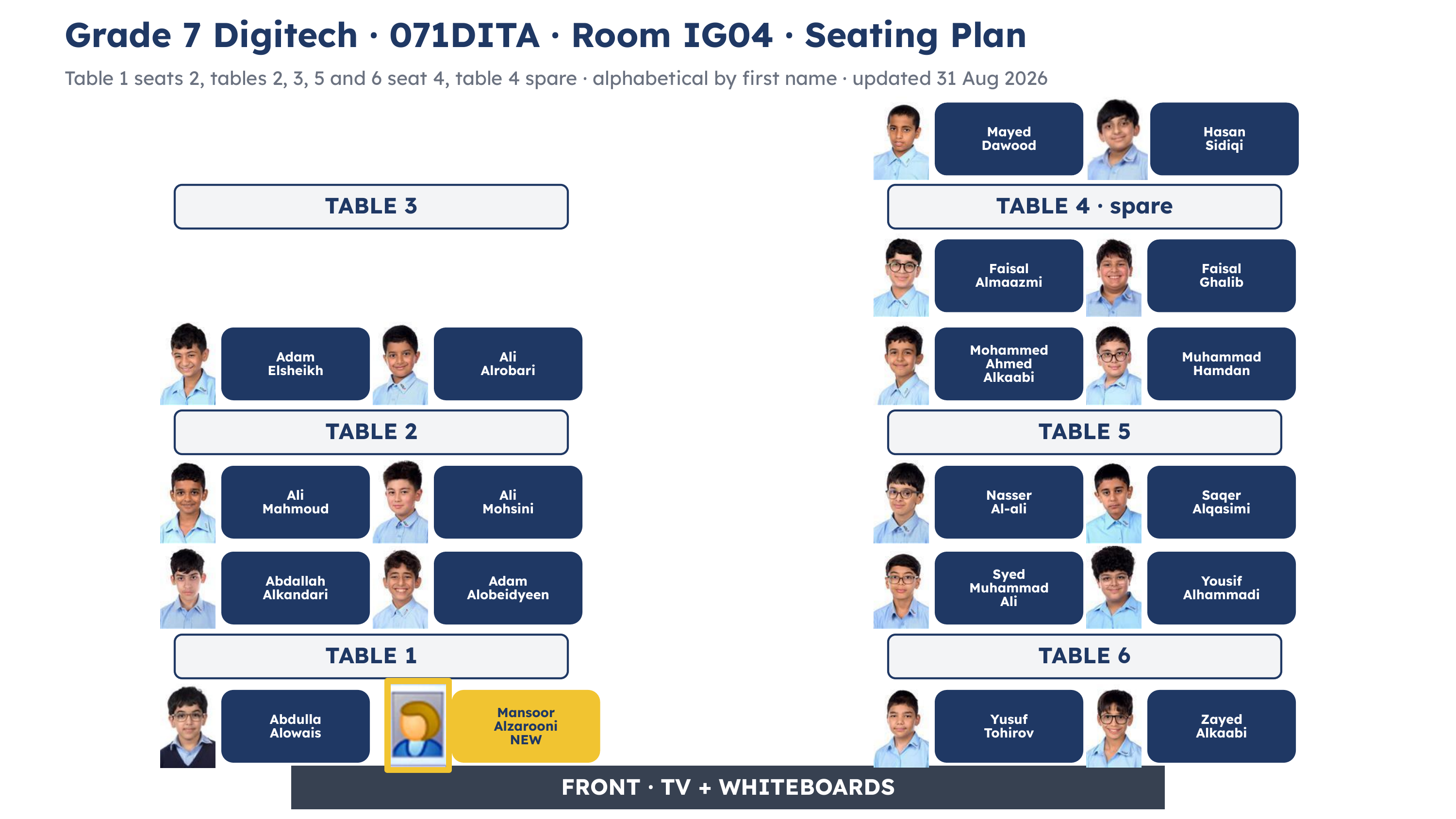
Seating plan for 071DITA in room IG04, showing six tables with a photograph and the full name of every student sitting there

same tables as last lesson · find yours as you walk in
// today

What are we doing today?

Lesson 1

Saying No to Cyberbullying: the role play.

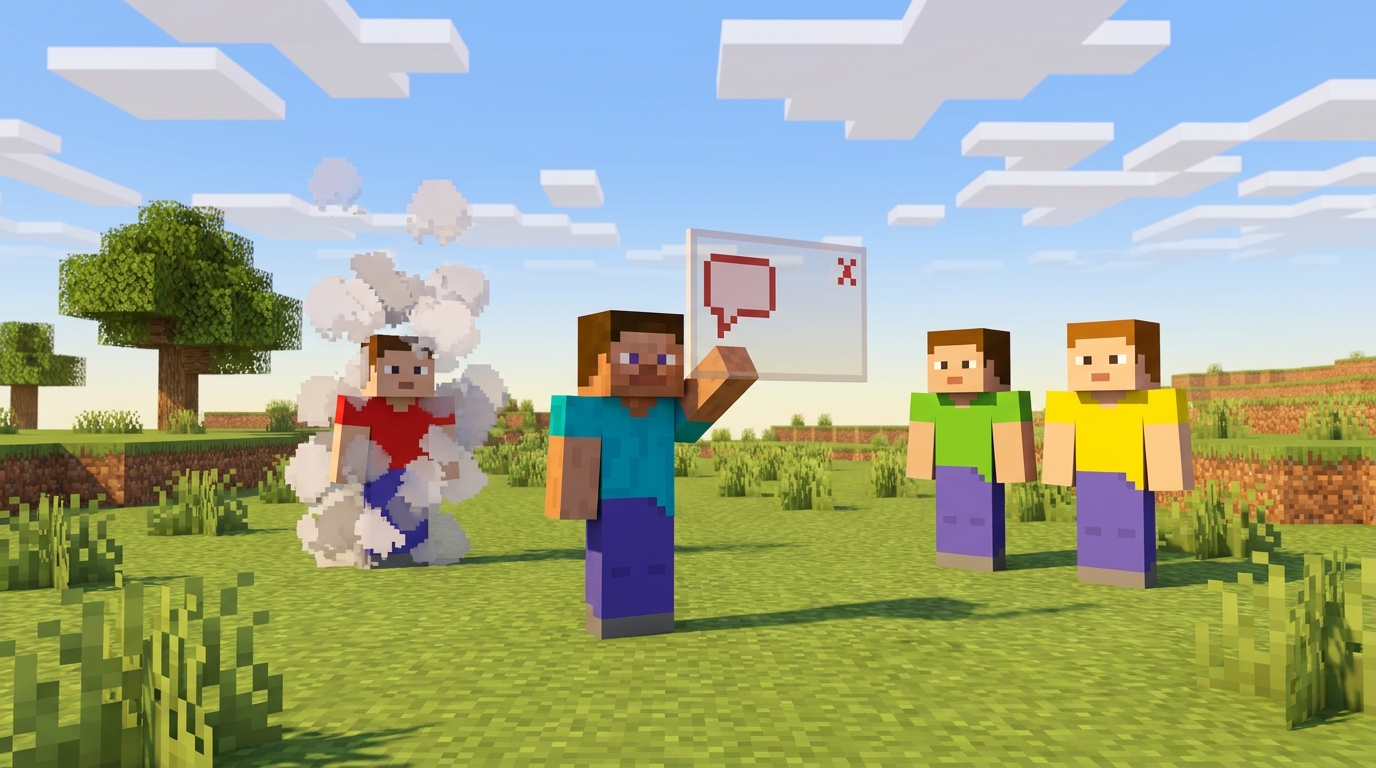
Four Minecraft players in a sunny plains biome. The host holds up a chat window and presses the cross, and the player who typed the mean message puffs away.

Brain break: class picks from the menu

Lesson 2

Good Game.

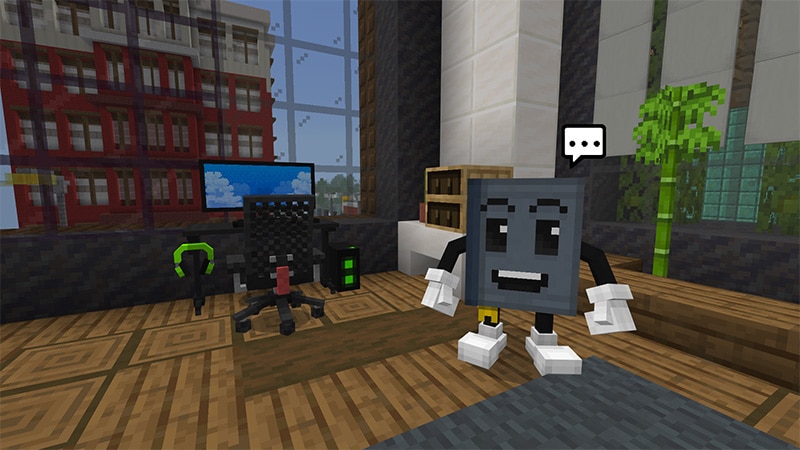
Two characters in the Good Game world beside a gaming setup, with a chat bubble above them

Brain break: class picks from the menu

Press the Overview button at the bottom left at any time to see this plan again.

// do_now · on your printed sheet

Do Now

▶ open Typing.com ▶ open Google Classroom

Hint Challenge

// check · do_now · say it before it lands

What did you write?

hands stay down   three names from three different tables

Two of the three warning signs that give a scam away.

1

It rushes you.

2

The sender or the address does not match the real one.

3

It asks for something private, like a password or a card number.

A message that knows your name is not proof it is real.

// last_lesson · say_it_back

The line we say

Finish the line from last lesson: STOP and ............... before you ...............

STOP and THINK before you CLICK

What today adds

Tuesday was a message you never asked for. Today it is a person in the same world as you.

// what_we_are_learning

What we are learning today

Going further: I can evaluate which of the four tools, ignore, correct, mute or report, fits a problem best, and say why.

This one is on the board only. There is no box for it on your sheet.

// lesson_1 · the_role_play

Lesson 1: the role play

In teams of four you share one Minecraft world on your iPads and act out a chat that turns mean. All of it is pretend: the Instigator types only the lines we put on the board, and the rest of the team practises what to do about it.

Why: you feel it first, then you learn the moves that work.

// lesson_1 · part_1 · roles_and_teams

Your team and your role

Host opens the world, lets the team in, warns in chat, then removes the Instigator.

Instigator types only the lines on the next slide, never your own.

Upstander speaks up for the person being targeted.

Bystander says nothing, so the team can feel what that is like.

Work it out first: put your first names in alphabetical order inside your team. First is Host, second Instigator, third Upstander, fourth Bystander. Same first name? The surname decides. A team of three has no Bystander, and the round still runs.

your team Team A · tables 1 and 3Team B · table 2Team C · table 4Team D · table 5Team E · table 6 Host Abdulla AlowaisAbdallah AlkandariFaisal AlmaazmiMohammed Ahmed AlkaabiSyed Muhammad Ali Instigator Adam ElsheikhAdam AlobeidyeenFaisal GhalibMuhammad HamdanYousif Alhammadi Upstander Ali AlrobariAli MahmoudHasan SidiqiNasser Al-aliYusuf Tohirov Bystander Mansoor AlzarooniAli MohsiniMayed DawoodSaqer AlqasimiZayed Alkaabi

3 minutes All of it is pretend. If it stops feeling pretend, tell Mr Igor, your trusted adult.

// lesson_1 · part_2 · connect

Get into one world

Before you tap: your own iPad at your own stand number, signed into Minecraft Education with your school account, sound off, nothing else open. Stuck means ask Mr Igor.

Host

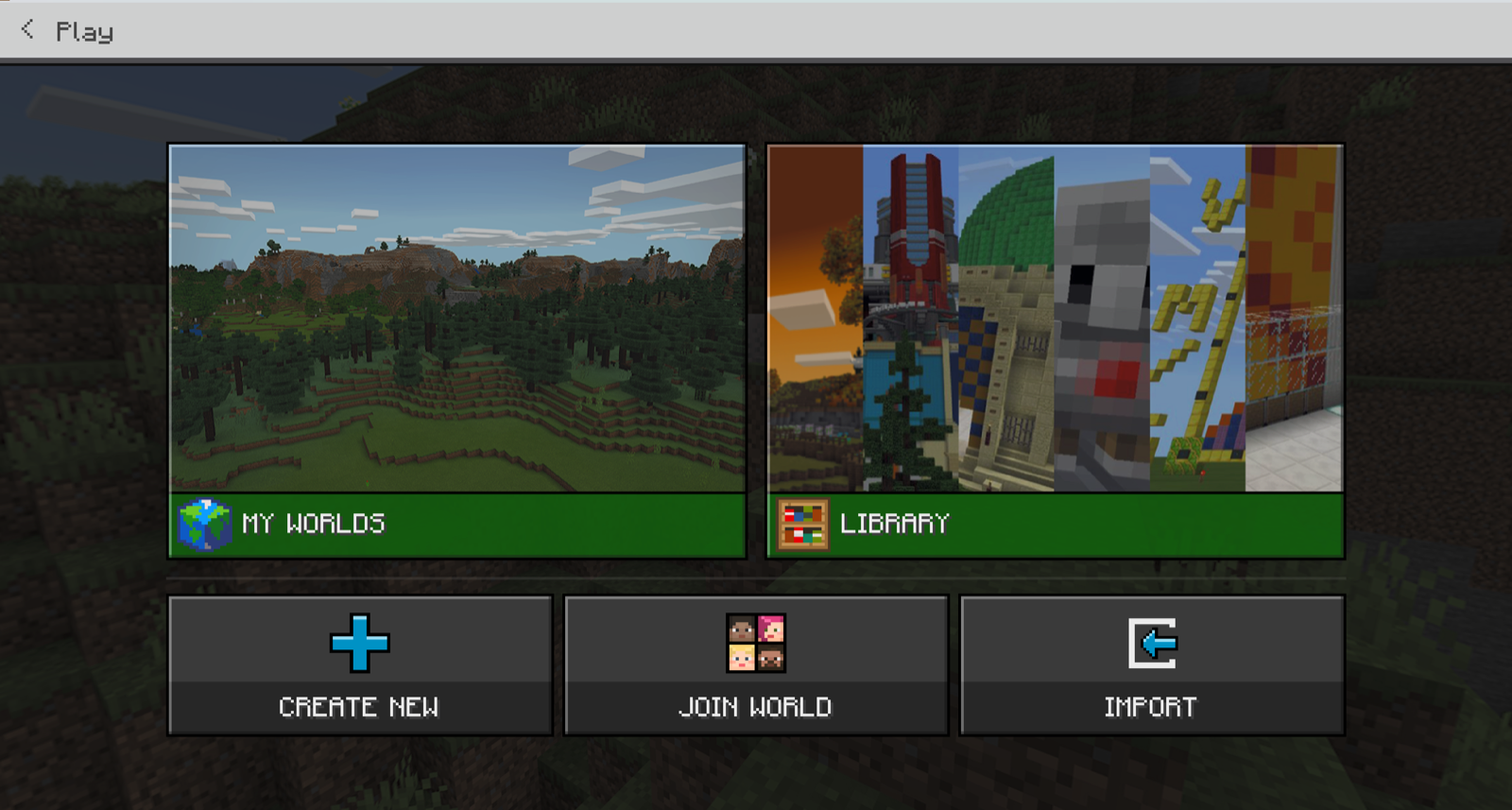
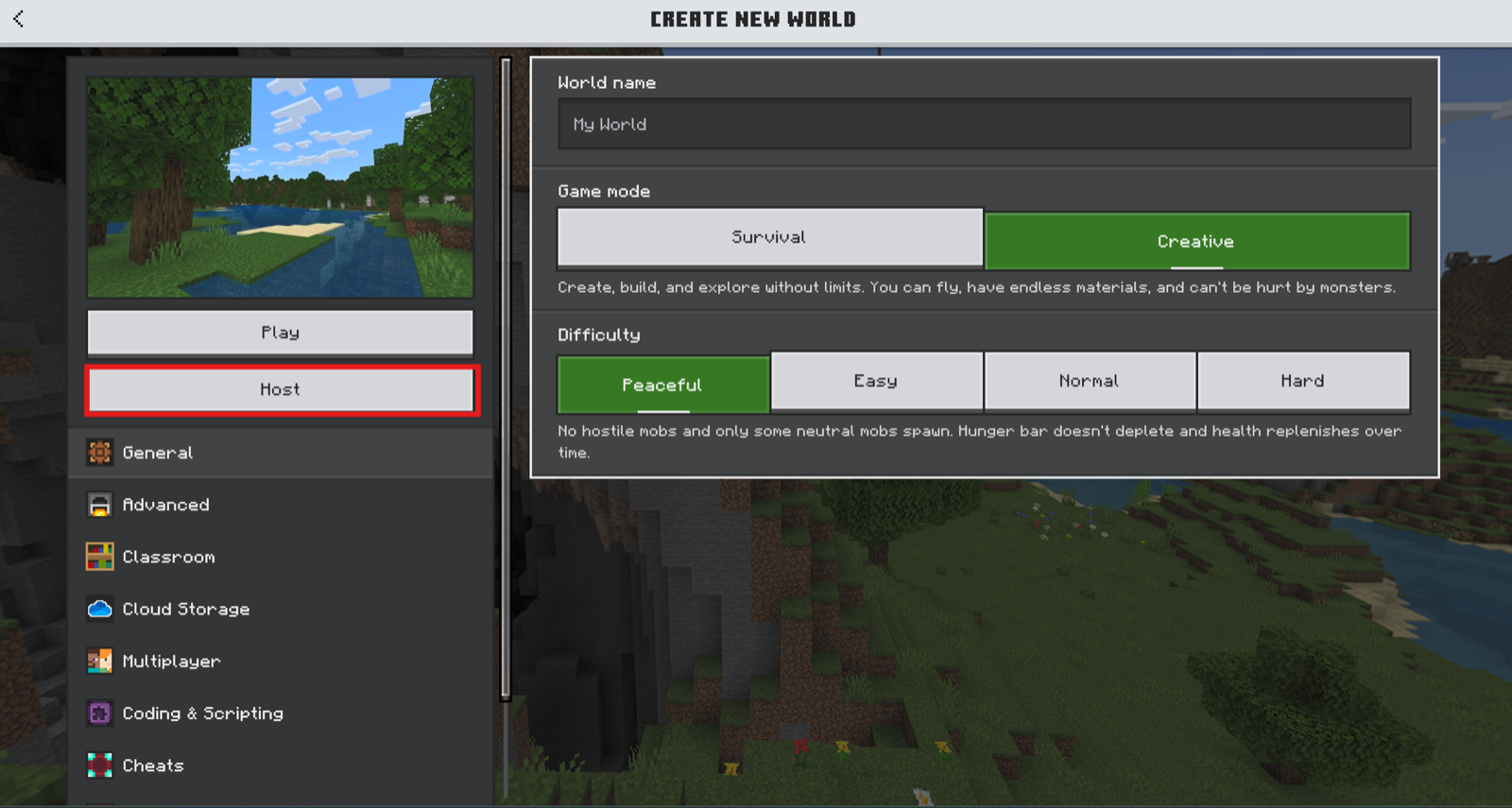
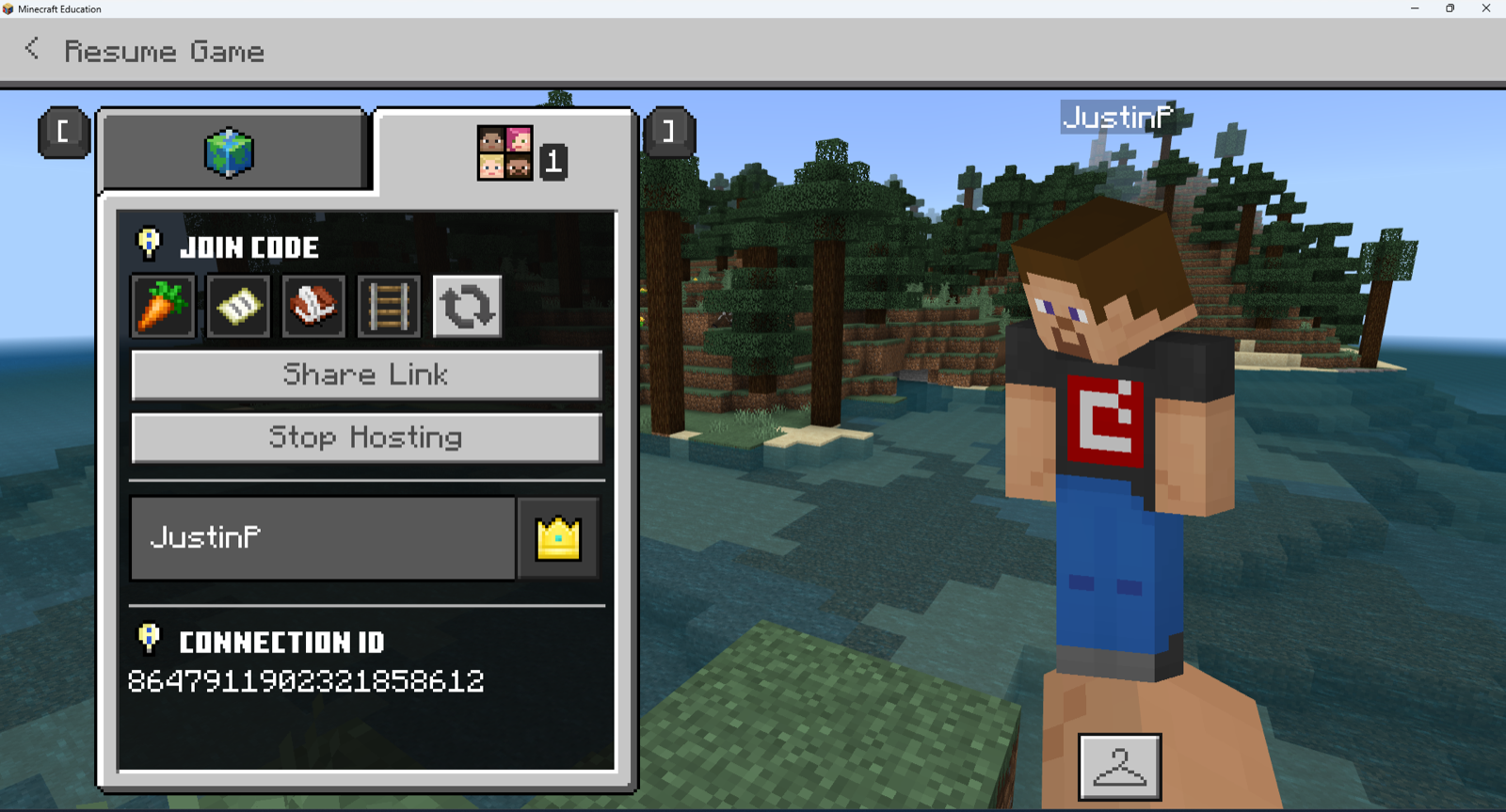
Tap Play, Create New, New, choose any biome, then Host. Pause, open the Friends tab, and read the four pictures in your Join Code out to your team.

Everyone else

Tap Play, Join World, then tap the four pictures in the same order. Everyone types "hi" once with the Chat button.

The Minecraft Education Play screen, with Create New, Join World and Import along the bottom
1 · Play
The Create New World screen, with the Play and Host buttons down the left
2 · Create New, then Host
The paused game's Friends tab, showing the Join Code as four pictures with a refresh symbol
3 · Friends tab, four pictures
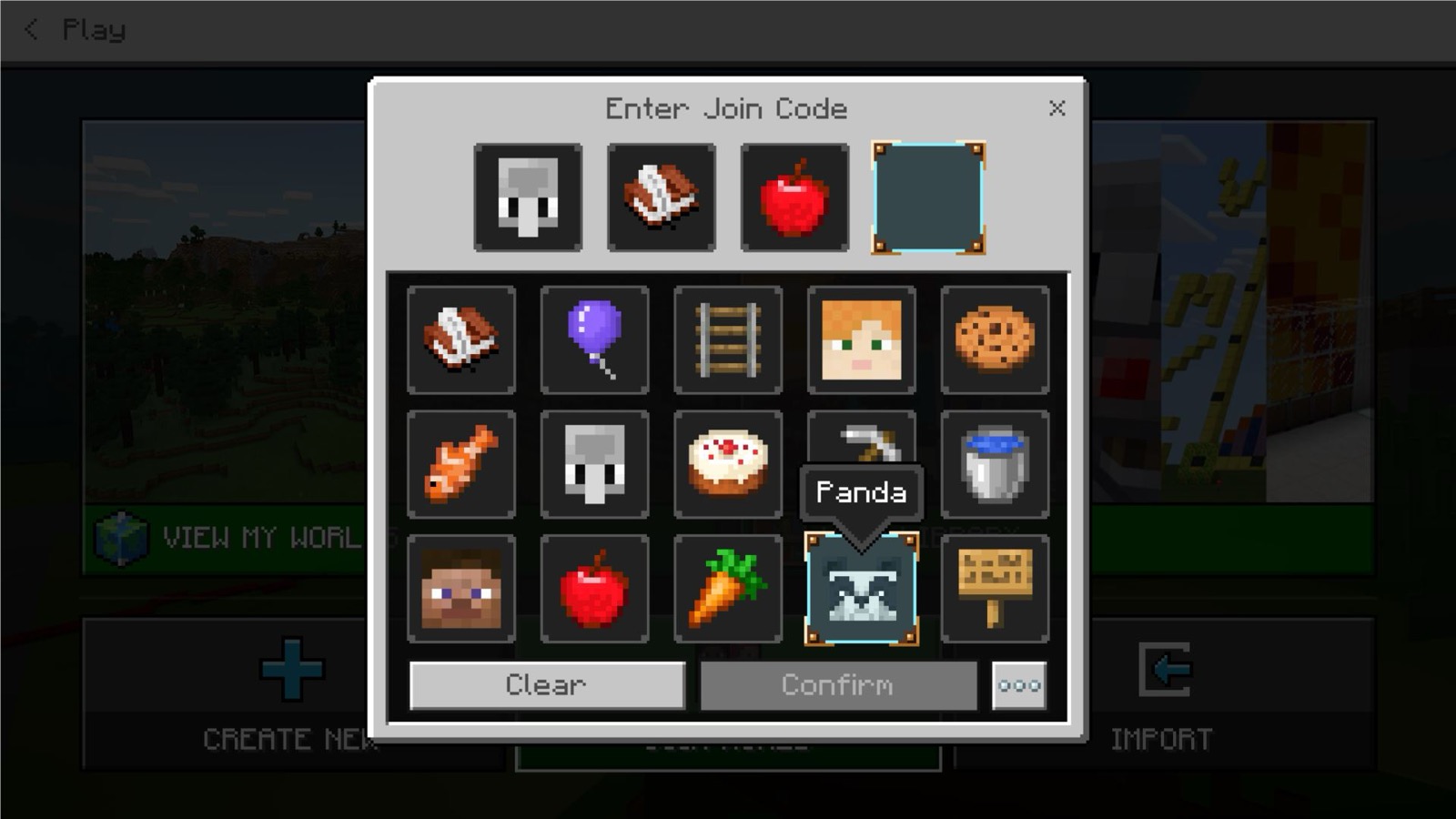
The Enter Join Code screen, four empty slots above a grid of picture keys with Clear and Confirm
4 · Tap them in order

4 minutes A team whose Host cannot host joins the world Mr Igor is hosting.

// lesson_1 · part_3 · round_one

Round one

Instigator · line 1, wait, line 2

"You build like a chicken with no wings."
"Nobody asked you to be here. Go away."
"That is the ugliest house in this world."

Upstander · one line, then tell the Host

"That is not OK. Stop."
"Leave them alone, we are here to build."

Host · warn, wait, then remove

"Warning: keep chat kind or you are out."

Bystander: does nothing and says nothing. Upstander: say it to your Host out loud in the room.

// host: how you remove the Instigator

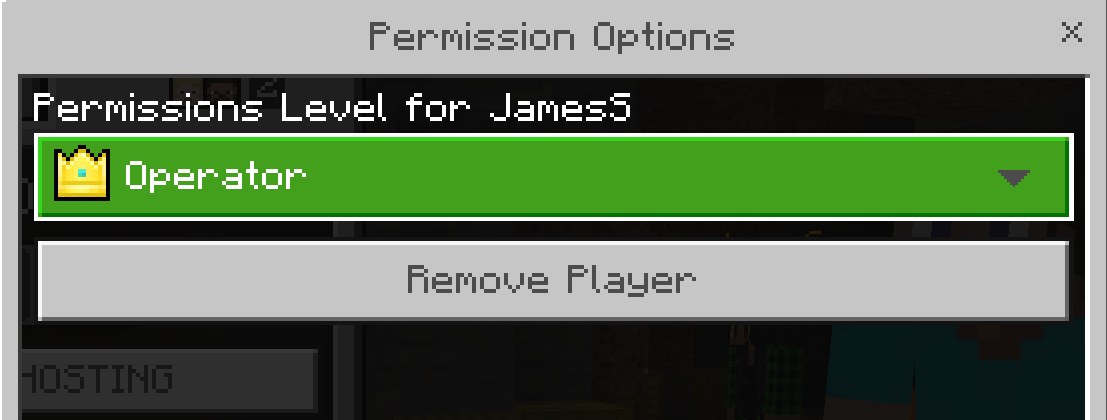
1 Pause the game. 2 Open the Friends tab. 3 Tap the Instigator's name. 4 Permission Options. 5 Remove Player.

The Permission Options dialog in Minecraft Education, showing a permissions level dropdown set to Operator and a Remove Player button underneath

Mr Igor shows those taps first.

6 minutes Only these lines, no names, no changes.

// lesson_1 · part_4 · round_two

Round two, roles move one place

A new world, the same lines.

Bystander

becomes the Upstander

Upstander

becomes the Instigator

Instigator

becomes the Host

Host

becomes the Bystander

The new Host makes a new world and reads the new Join Code out. Everyone else joins it the same way.

5 minutes Only the lines from round one, no names, no changes.

// turn_and_talk

Turn and Talk

What did the Upstander do that worked, and what did it feel like to be the Bystander?

3 minutes   you write it down straight after

// where_we_are · period_9

Where we are

Done so far

Your team, one world, two rounds and the talk.

What is left

The writing, the teaching, the check, then Good Game and your Exit Ticket.

Same seats. No second register: we did the one register at the start.

// everybody_writes · back of your sheet

Everybody Writes

Turn your sheet over. Write one sentence about what the Upstander did that worked.

Start it like this if you want

The Upstander said ... and it worked because ...

Going further

Write a fourth line that would count as cyberbullying, and say what makes it count.

2 minutes

// what_it_is · what_you_do

What cyberbullying is, and what you do

Cyberbullying is using the internet to be mean to someone so they feel bad or upset.

// four_moves · in this order

1 Do not hit back

Hitting back usually makes it worse.

2 Tell someone you trust

At home, or here in school.

3 Report it

To the game, the site or the app.

4 Block them

So they cannot reach you.

A stranger is usually best walked away from. Someone you know is better reported.

Anything dangerous, a threat or your private information put online, is always reported.

Be an upstander, not a bystander. Check the person is alright, and say plainly that this is not okay.

// brain_break · end_of_lesson_1

Brain Break

// how_we_play

How we play

▶ open the Good Game lesson page

// good_game · the_story

Good Game: the story and your four tools

The story starts at a bus stop before the summer break. Friends plan to level up together in Bloon Pop. One of them cannot play: they broke their controller after frustrating encounters with online opponents and cheaters. So the crew starts a Good Game Guide.

// four_tools

Ignore

Do nothing back.

Correct

Say what is true.

Mute

Stop seeing their chat.

Report

Send it to the game.

Six scenarios follow, built from the problems the publisher names: teammates sabotaging progress and cheating, too much distraction in the in-game chat, and inappropriate screen names and language.

The game also teaches you not to misuse them, for example reporting an opponent who wins fairly.

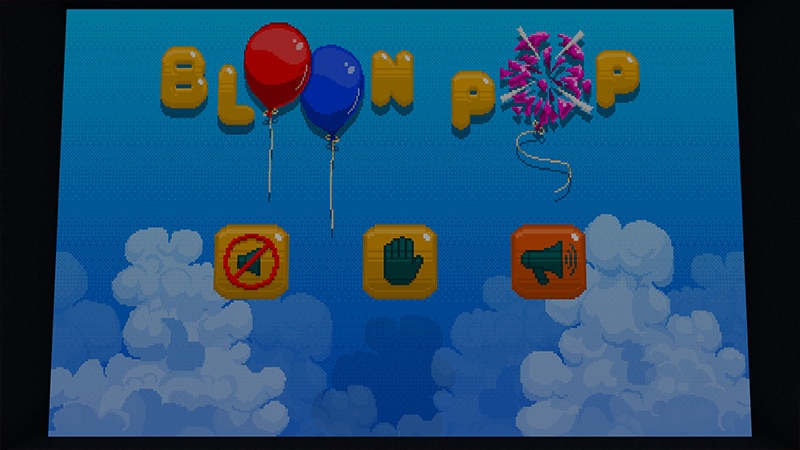
The Bloon Pop title screen inside Good Game, with three icons underneath the balloons
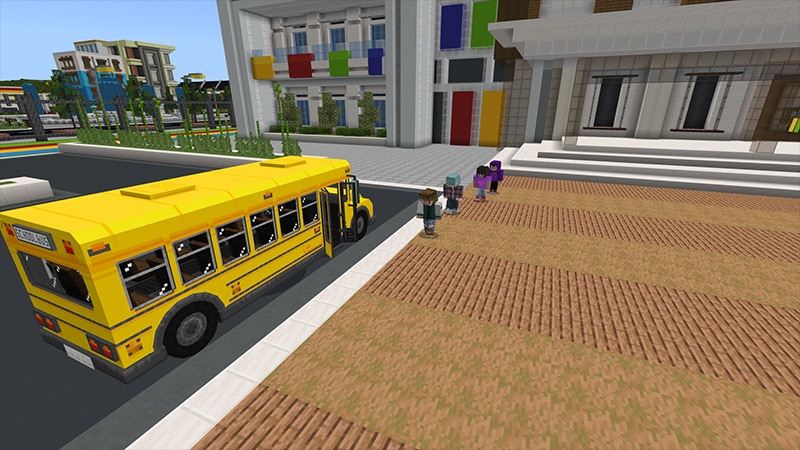
The bus stop where the Good Game story starts, with a school bus pulling in

// good_game · play

Play, and build your Good Game Guide

ignorecorrectmutereport pick one in every scenario

What you are building

Each scenario adds an entry to your Good Game Guide, your own code of conduct. The game lets you publish it once every prompt is done.

How far you get

The publisher gives 45 minutes for the whole world. Nobody is expected to finish today, so play properly rather than fast.

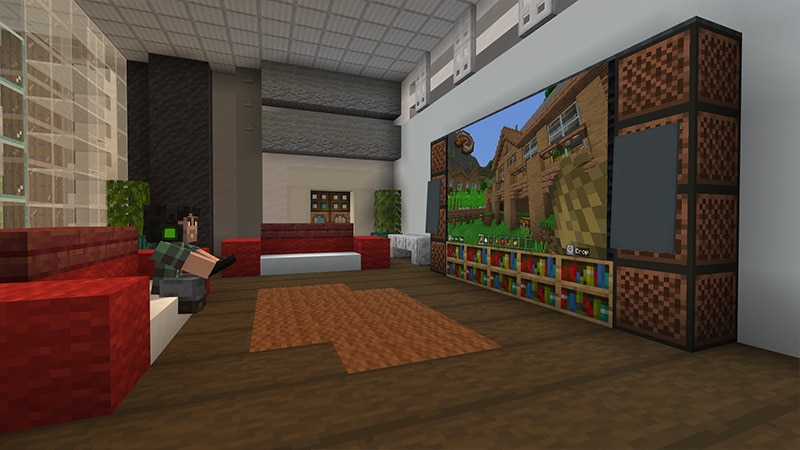
Two characters in the Good Game world beside a gaming setup, with a chat bubble above them
Good Game
A living room in the Good Game world with a large screen and a player on the sofa
Good Game
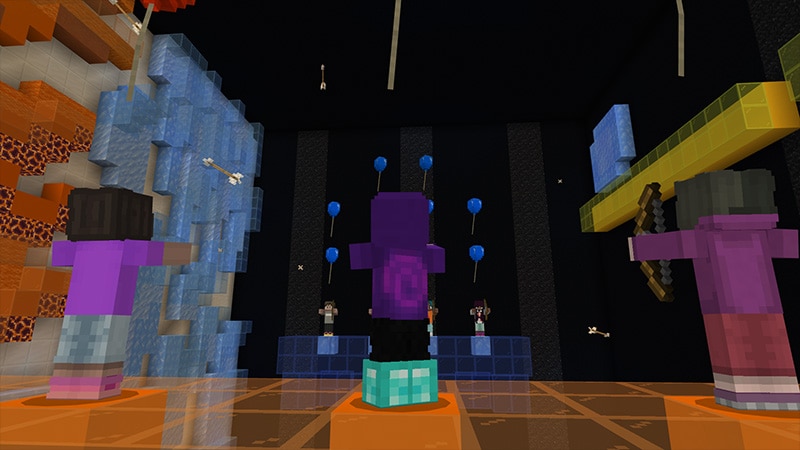
Players in a bright arcade room inside the Good Game world
Good Game

12 minutes ▶ open the Good Game lesson page ▶ open the tracking sheet

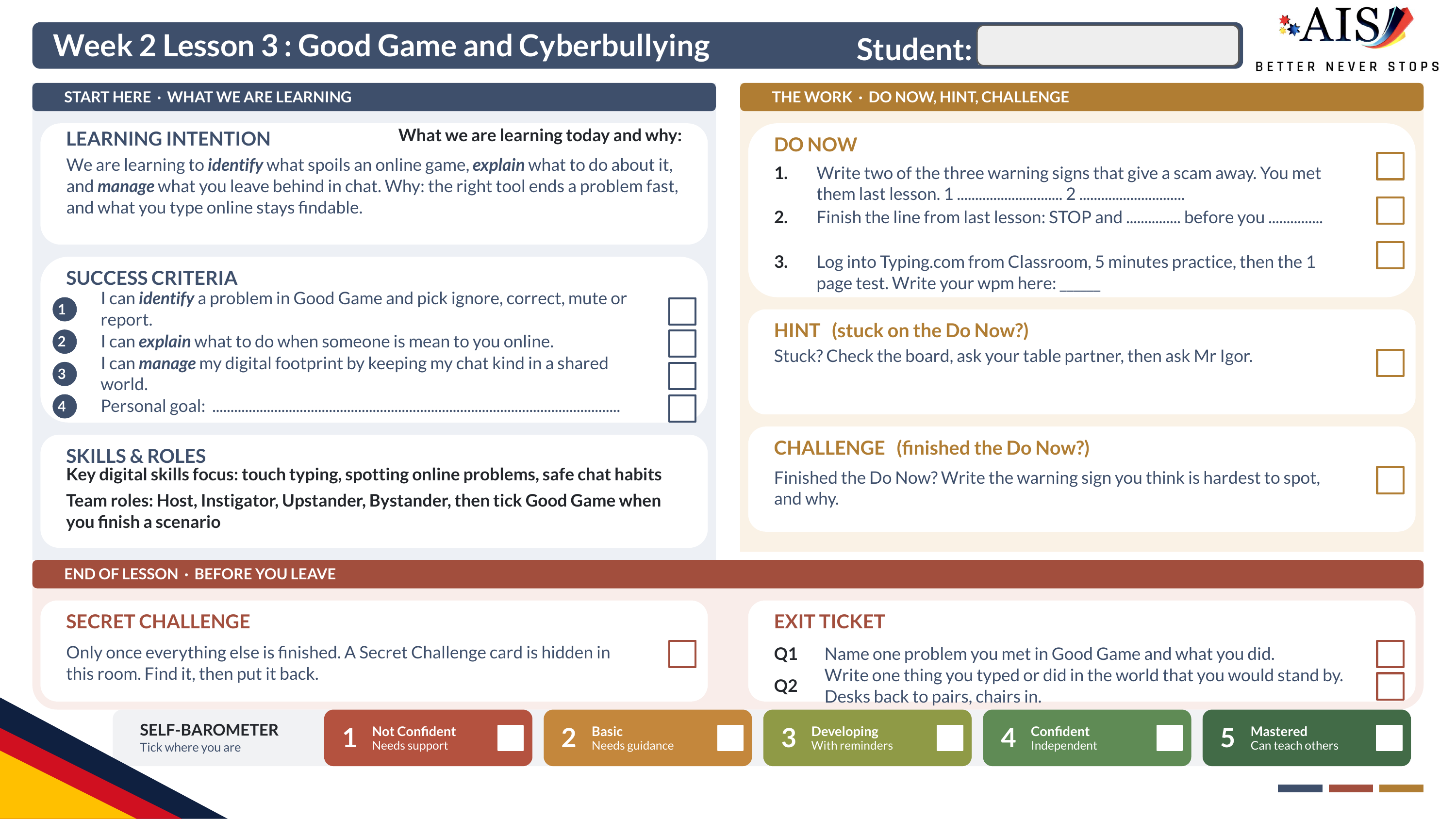
On your sheet's Skills and roles line: Team roles: Host, Instigator, Upstander, Bystander, then tick Good Game when you finish a scenario

// brain_break · end_of_lesson_2

Brain Break

// exit_ticket · on your printed sheet

Exit Ticket

// reflection · your_ticks

Tick what you can do

A tick means you can do it now, not that you tried. Read your Exit Ticket answers back before you tick number 3.

// self_barometer

Where are you right now?

tick one box only · an honest 2 is worth more than a hopeful 4

// before_you_go · the ringed box on your sheet

Before you go

CODE: 2coon676 ▶ open Google Classroom ▶ Part A is still open sheets in at the door, name on every one

// notes_for_next_lesson

Notes for next lesson

Saves as you type. With the sync store on it reaches your other machine as well; ⌘S still saves a copy of the deck with these notes in it.

// brain_break_bank · this_or_that

This or That

  • Students line up in a straight line across the middle of the room.
  • Teacher reads out two choices, like "Chocolate or Vanilla."
  • Students who choose the first option, step to the left.
  • Students who choose the second option, step to the right.
  • Call out fun or themed "This or That" pairs (for example "Beach or Mountains", "Sweet or Salty"). Give students 3 to 5 seconds to decide and step.

// this lesson's pairs

  • Apple or Android?
  • Laptop or tablet?
  • Windows or macOS?
  • Touchscreen or keyboard?

3 minutes

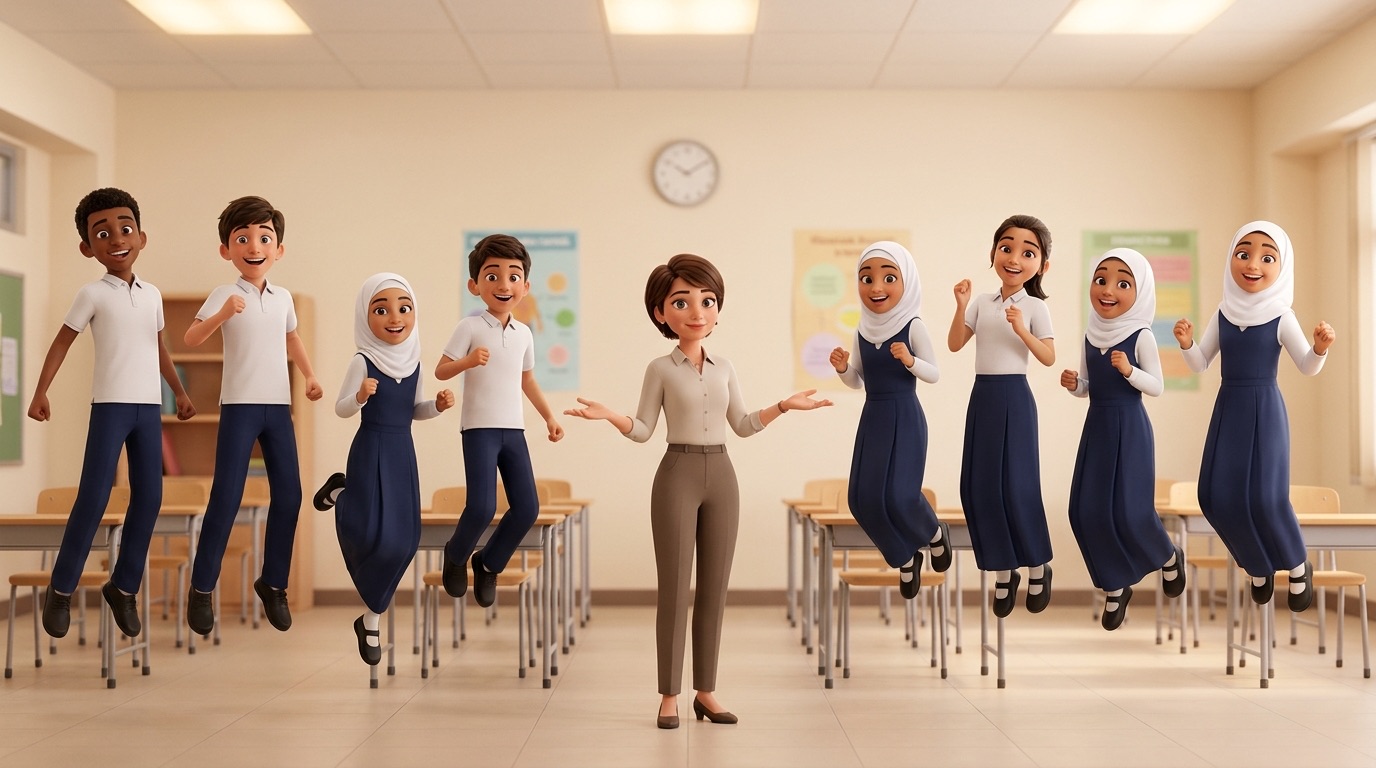
A drawing of students lined up across a classroom, one side stepping left and the other stepping right for a This or That call.

// brain_break_bank · four_corners

Four Corners

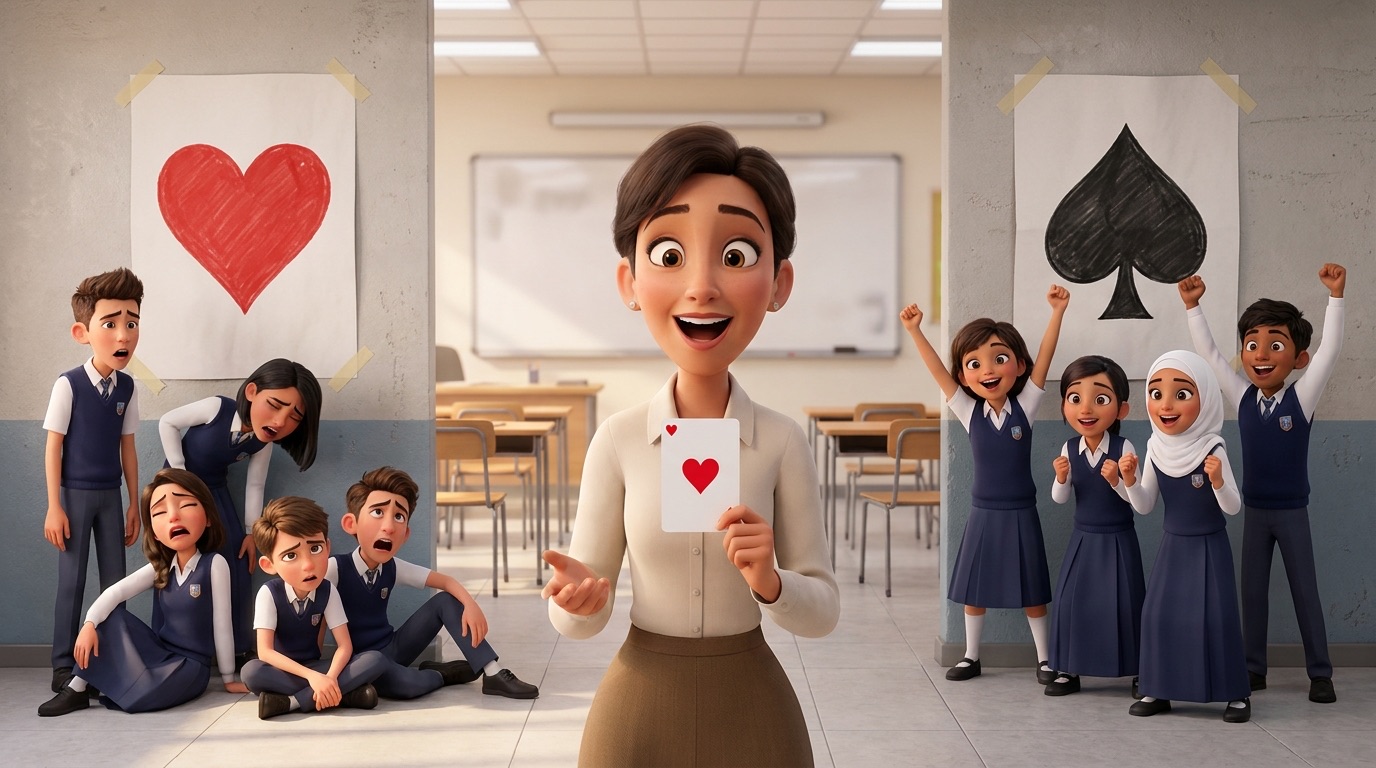
  • Each corner of the room has a card suit symbol: Spades, Hearts, Diamonds, Clubs.
  • Everyone quietly chooses a corner to stand in.
  • The teacher draws a card, either from a deck of cards, or by scanning the QR code to use an online card drawing app.
  • The teacher announces the suit on the card (for example "Clubs!").
  • Everyone standing in that corner is out and must sit down.
  • The rest of the students choose a new corner for the next round.
  • Keep playing until only one student is left: they are the winner!

3 minutes   tap the card, no pack and no phone needed

A drawing of students standing in the four corners of a classroom, each corner marked with a card suit symbol.

// brain_break_bank · boi_ing_7

Boi-ing 7

  • Students stand in a circle facing inwards.
  • A nominated student begins by saying "one".
  • The student to the left of the one says "two" and so on around the circle, calling out numbers in numerical order.
  • Every time a number comes along that contains a "7" or is a multiple of 7, students must call out "boi-ing" (a jumping sound because "7" is being jumped) in place of the actual number. Counting then continues as normal until the next "7".

3 minutes

A drawing of students standing in a circle counting around, jumping as they call boi-ing on a number with a seven in it.

// brain_break_bank · look_down_look_up

Look Down, Look Up

  • Students stand in a circle facing inwards.
  • Groups of approximately 10 to 12 are ideal.
  • Students stare at a small object placed on the floor in the middle of the circle.
  • Each student decides on a person that they will directly look at when instructed to "Look Up".
  • If they find that this person has also chosen them and is looking directly at them, then both students step out of the circle. After each turn, students are asked to "Look Down".
  • They return their gaze to the floor and decide whom they will look at as they await the next call of "Look Up". Play continues until only one or two players remain.

3 minutes

A drawing of students in a circle looking down at an object on the floor, ready to look up on the call.

// brain_break_bank · bang_circle

Bang Circle

  • All students stand in a circle facing inward. One person (usually the teacher or chosen student) stands in the middle of the circle. They are the caller. The caller quickly says the name of a student in the circle.
  • That named student must immediately duck down (crouch or squat). At the same time, the two students on either side of the ducking student turn to face each other and shout "BANG!" while pointing finger guns.
  • The first to say "BANG!" wins the duel. The slower one is out and must sit down or leave the circle. If the student in the middle ducks too slowly or ducks when they are not named, they are out.
  • The last two students left can have a final dramatic "BANG" showdown in the centre of the circle.

3 minutes

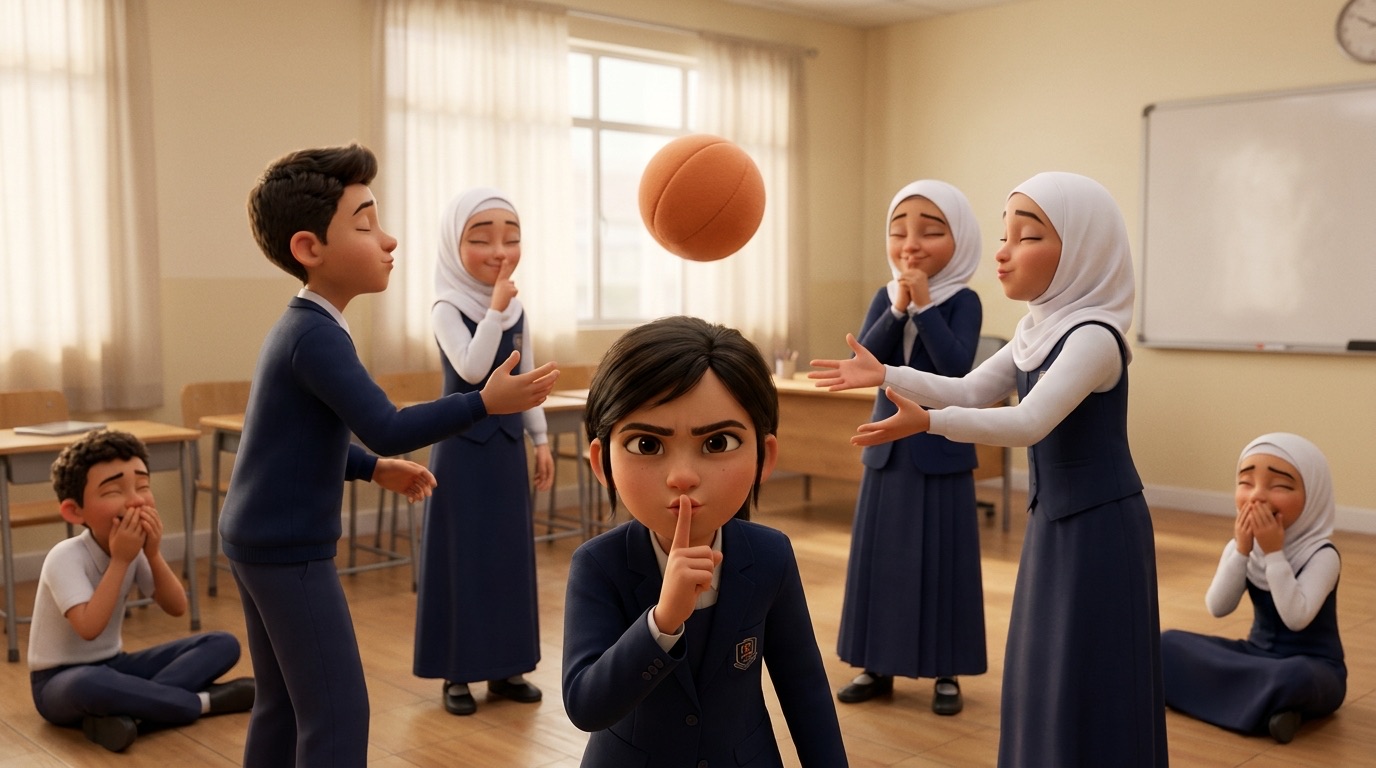
A drawing of students in a circle with a caller in the middle, two students turning to shout Bang at each other.

// brain_break_bank · heads_or_tails

Heads or Tails

  • Everyone stands up in the middle of the room.
  • The teacher says, "Choose heads or tails!" Students show their guess using an action: Heads, hands on your head, or Tails, hands on your hips.
  • The teacher flips the coin, either using a real coin, or by scanning the QR code and flipping virtually.
  • The teacher calls out the result (for example "Tails!").
  • Students who guessed wrong sit down.
  • The rest stay standing and get ready for the next round.
  • Keep playing until only one student is left standing: they are the winner!

3 minutes   two coins, no phone needed

A drawing of students standing with hands on their heads or their hips, choosing heads or tails before the coin flip.
COIN 1
COIN 2

// brain_break_bank · silent_ball

Silent Ball

  • Equipment: one medium size ball, any that is appropriate for the players' catching skill level (a soft or squishy ball in a classroom).
  • How to play: the leader counts down, "3, 2, 1, silent" and passes the ball to another person in the play area.
  • A player must sit down if they drop the ball, make a bad pass, or talk or make noise.
  • Play continues until only one person remains. The last player standing gets to be first to throw the ball in the next round.

3 minutes

A drawing of students standing spread out in a classroom, passing a ball to each other in silence.

// brain_break_bank · heads_down_thumbs_up

Heads Down, Thumbs Up

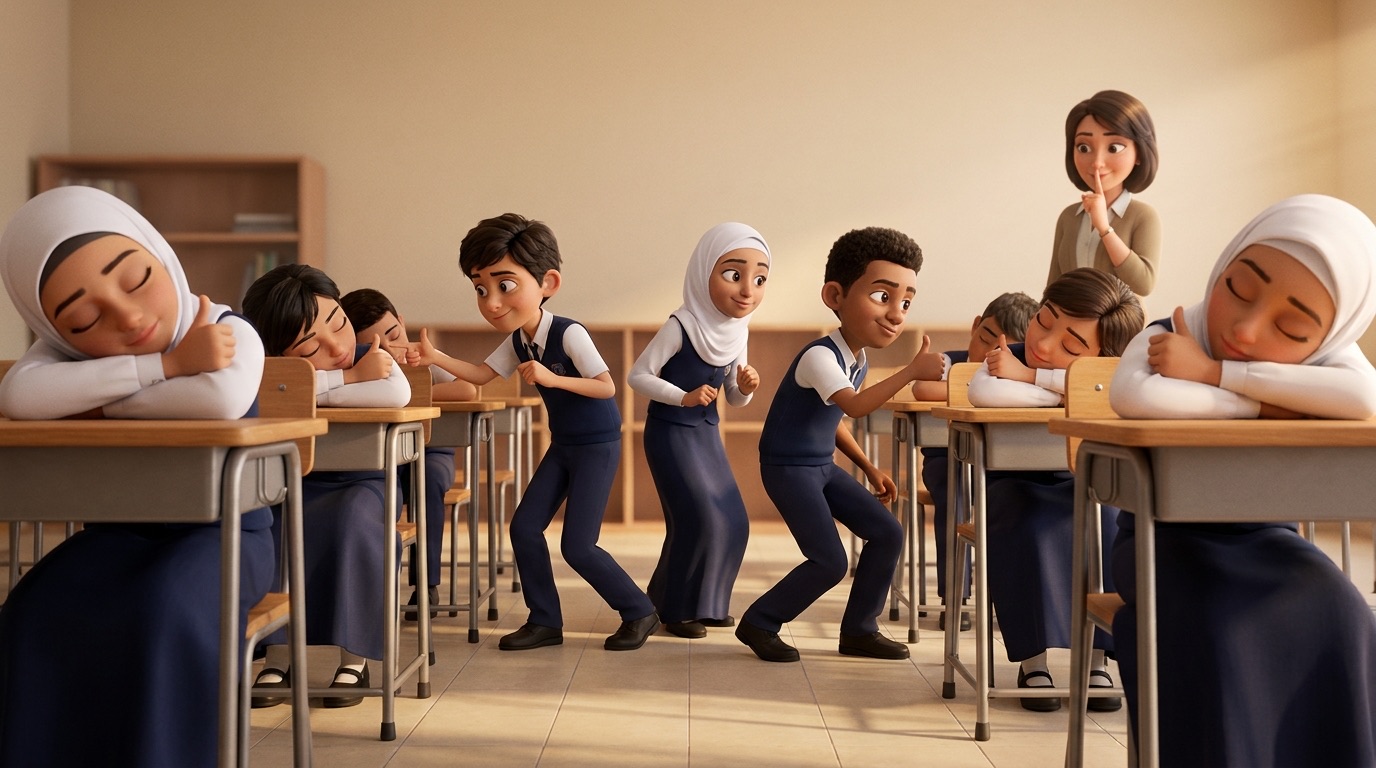
  • 1. All players sit with their heads down on their arms and eyes closed. One thumb is raised.
  • 2. The leader chooses 2 to 4 Tappers (those at the front know who they are; others do not).
  • 3. Tappers walk quietly around the room and each tap one player's thumb gently.
  • 4. Tappers return to the front of the room.
  • 5. The leader gives the signal: everyone lifts their heads and opens their eyes.
  • 6. Each tapped player stands. One at a time, they guess which Tapper touched them.
  • Correct guess: the Guesser and Tapper swap roles. Incorrect guess: the Tapper stays in their role for the next round.

10 minutes

A drawing of students sitting with their heads down and thumbs raised, waiting to be tapped by a Tapper walking round the room.
N notes · S picture big · C picker · H hide · E edit · ⌘S save copy
100%

// overview

Good Game and Cyberbullying

Tap a card to see its slides. Tap a slide to open it, then NEXT carries on.